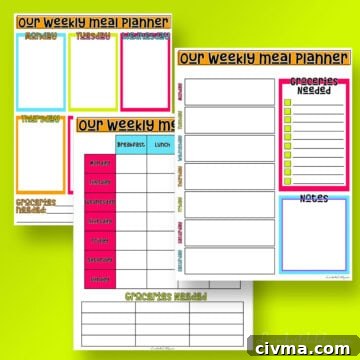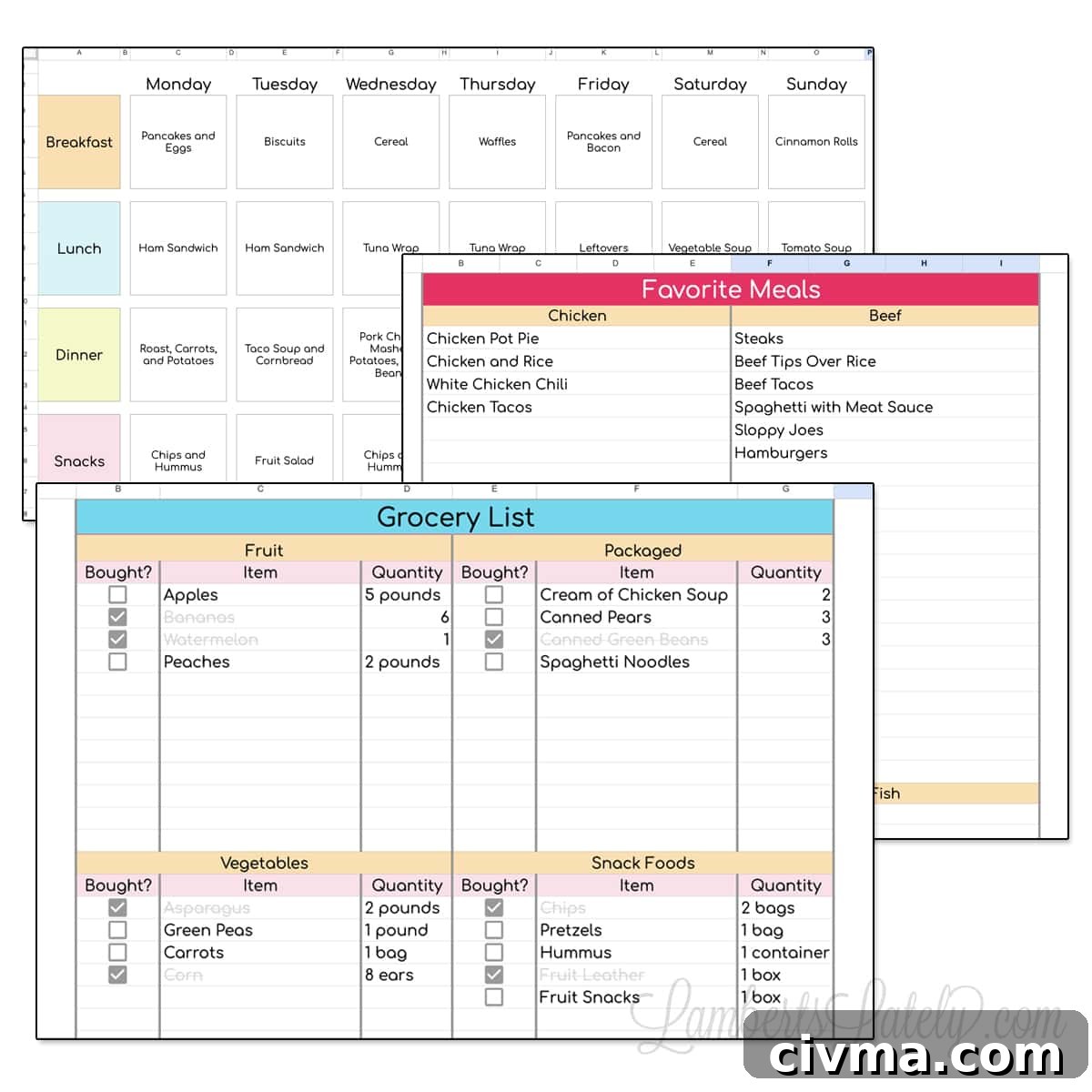
Grab this free Google Sheets meal plan template—it includes a weekly planner, a categorized grocery list, and a running list of favorite meals to speed up planning.
(Click here to skip straight to the download section.)
After sharing a travel itinerary template, I’m back with another useful Google Sheets resource: a simple, attractive meal planning template built in Google Sheets. It’s perfect for busy households that want to plan meals, simplify shopping, and reduce food waste.
Why should I use a weekly meal planner?
A weekly meal planner can save time, cut grocery costs, and reduce the stress of nightly decisions. Spend 20–30 minutes each week mapping out breakfasts, lunches, dinners, and snacks, and you’ll avoid last-minute takeout and repeated trips to the store.
If you’re a visual person, seeing a full week at a glance helps you balance meals, plan leftovers, and coordinate ingredients. Jotting the plan down frees up mental energy and makes meal prep smoother.
A shared meal plan also gets everyone in the household on the same page. Post the printed planner on your fridge or share the Google Sheets link with family members so they know what’s for dinner—no more “what’s for dinner?” texts or calls.
How to Use This Meal Planning Template
This digital meal planner is built in Google Sheets and is free to use if you have a Google account. Click the download section below to get a copy, then open it in Google Sheets on desktop or the Google Sheets mobile app.
There are two versions available: this simple free template and a more advanced paid version in the shop. The free version is intentionally straightforward—great for getting started with weekly meal planning.
Weekly Meal Planner Tab
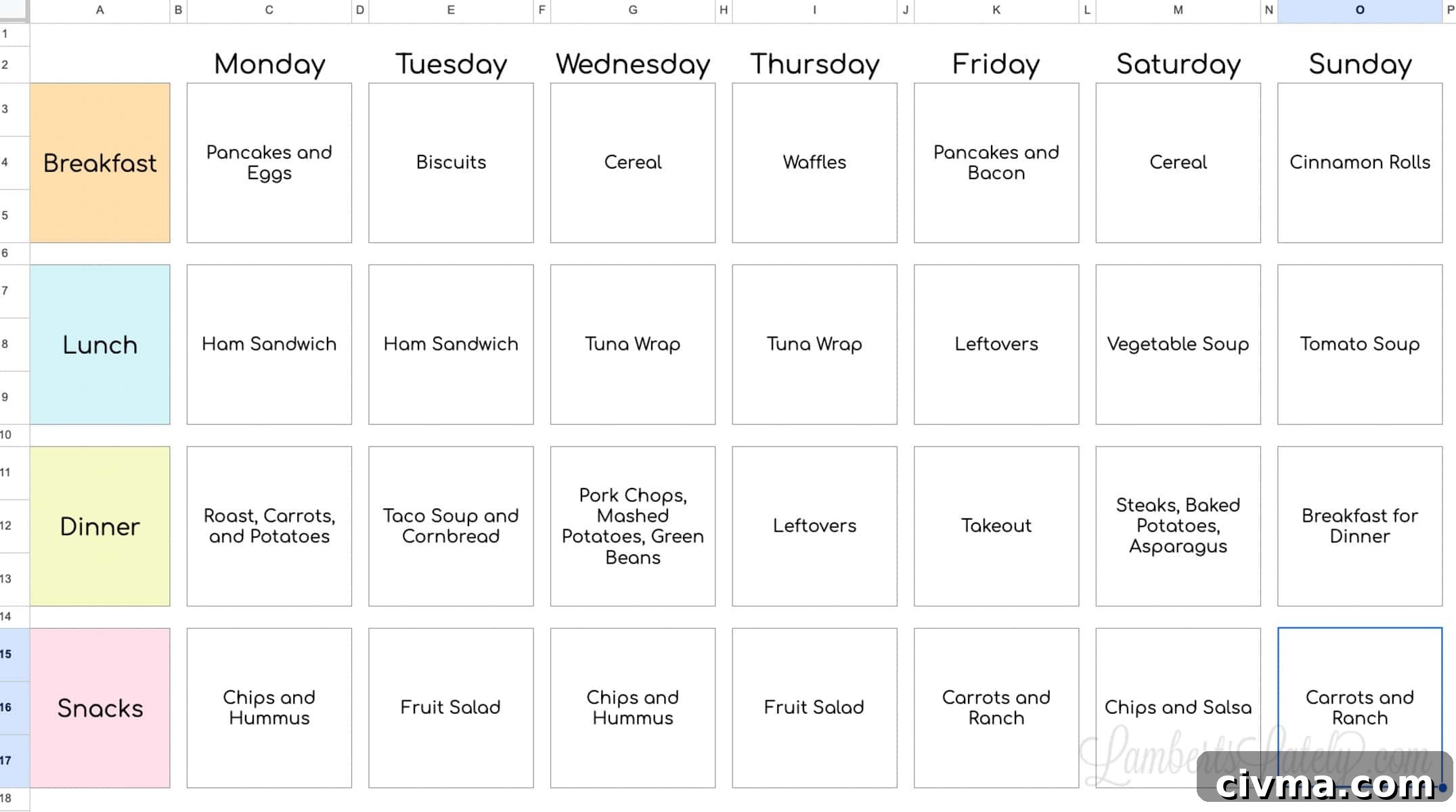
The weekly planner is a simple grid for breakfasts, lunches, dinners, and snacks. I recommend filling it out once a week—Sunday is a popular choice—so you head into the week prepared.
Start by picking 4–5 dinners you want that week and check your pantry and freezer to prioritize ingredients you already have. Add lunches, breakfasts, and snacks as needed. That process naturally creates the items you’ll add to your grocery list.
Plan for 1–2 leftover days each week to save time and reduce cooking. The sheet is formatted to print on 8.5×11″ paper so you can display it on your fridge or bulletin board.
Favorite Meals Tab
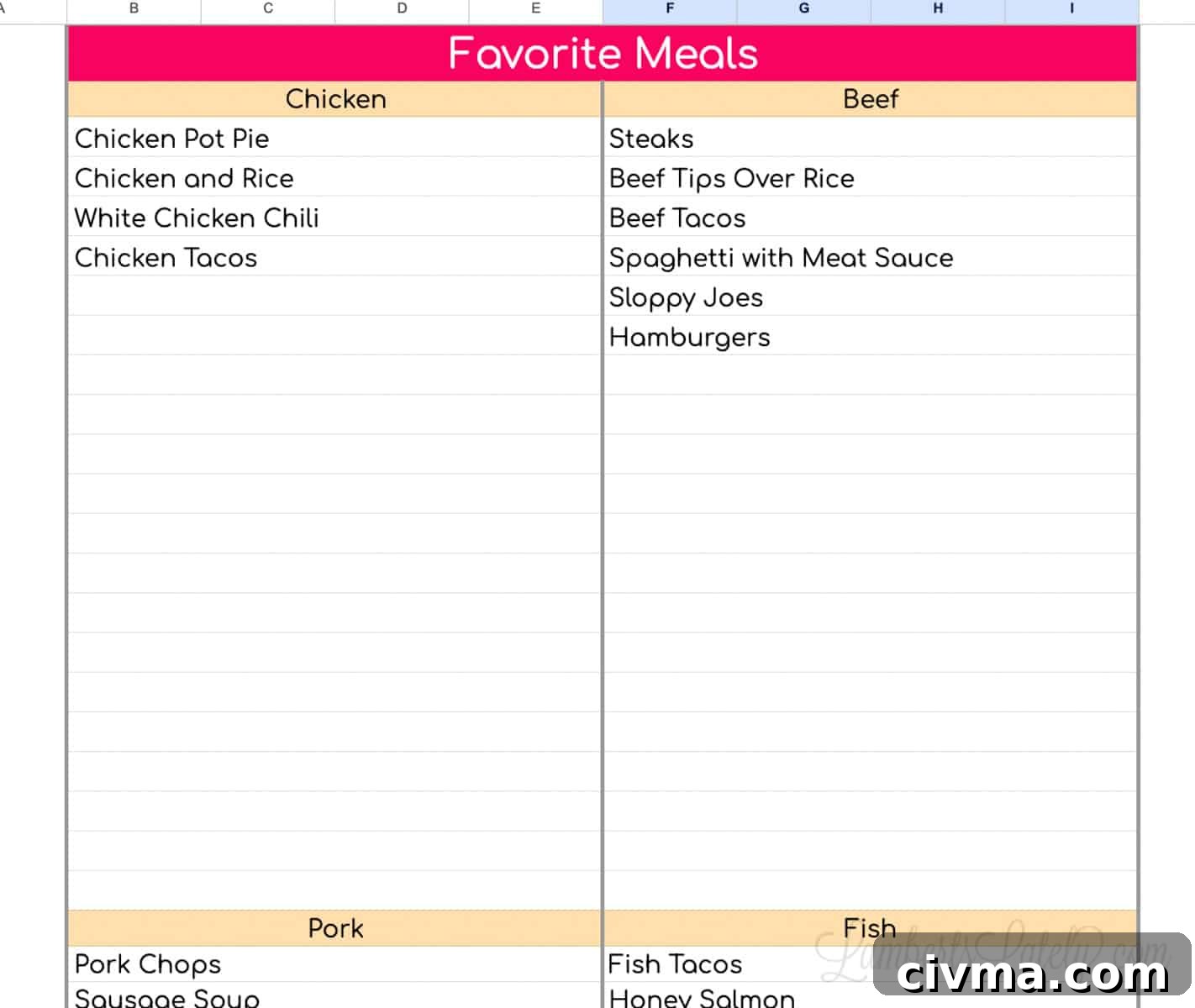
Use the Favorite Meals tab when you need inspiration. Add your go-to recipes organized by main protein (chicken, beef, pork, fish, vegetarian) so you can quickly pick meals for the weekly grid.
Over time this becomes a personalized recipe index you can rely on whenever you’re drawing a blank.
Shopping List Tab
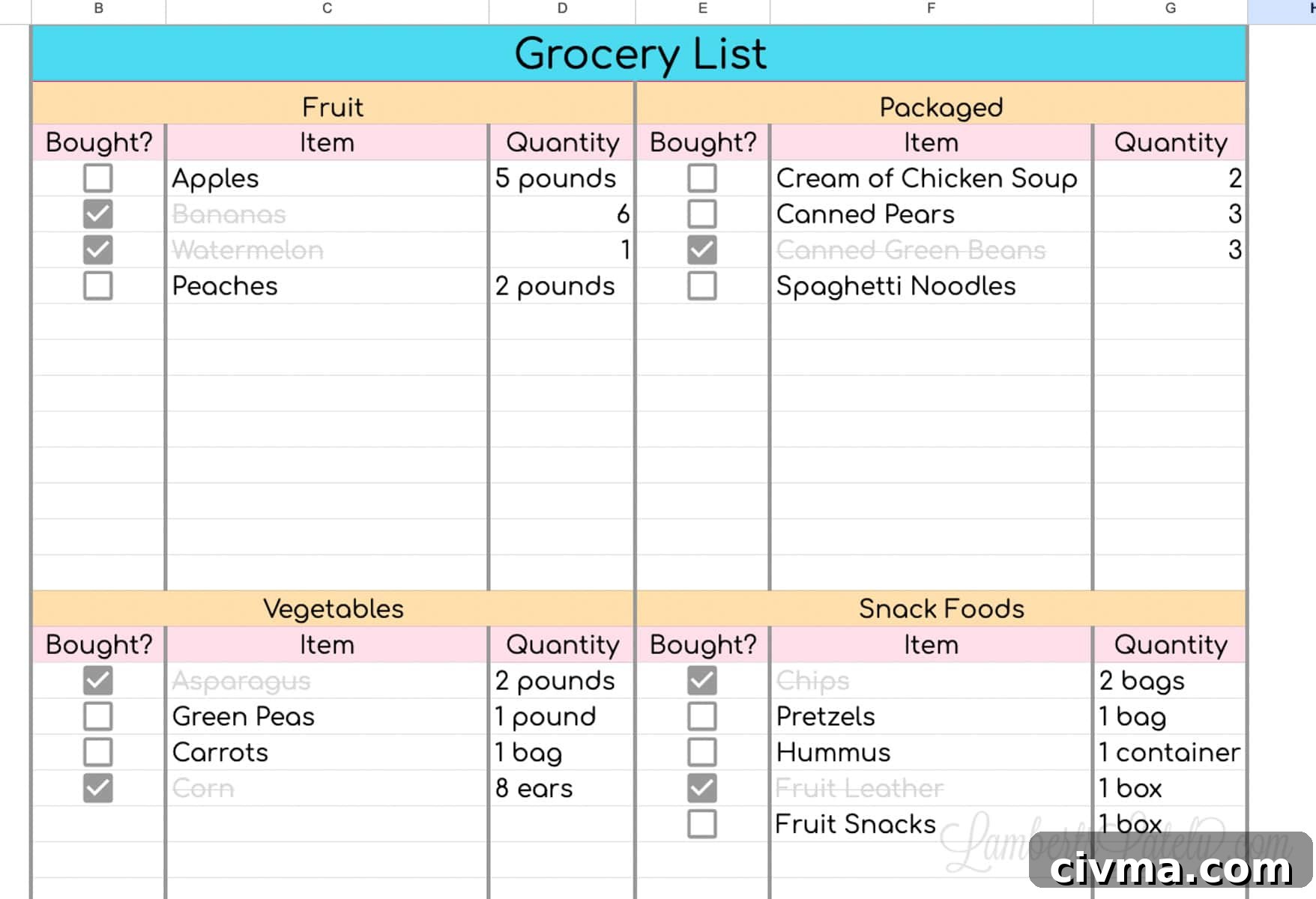
After planning your meals, the Shopping List tab helps you collect all needed ingredients. The list is divided into categories (produce, dairy, pantry, meat, etc.) to speed up shopping and prevent backtracking in the store.
Record the ingredient and the quantity you’ll need for the week. As you check off items, the sheet visually marks them so you can see what remains on your list. Use the Google Sheets app on your phone for easy access while you shop.
There’s also a coordinating Weekly & Monthly Google Sheets Planner Template that pairs nicely with this meal planner.
Grab Your Free Meal Planning Template
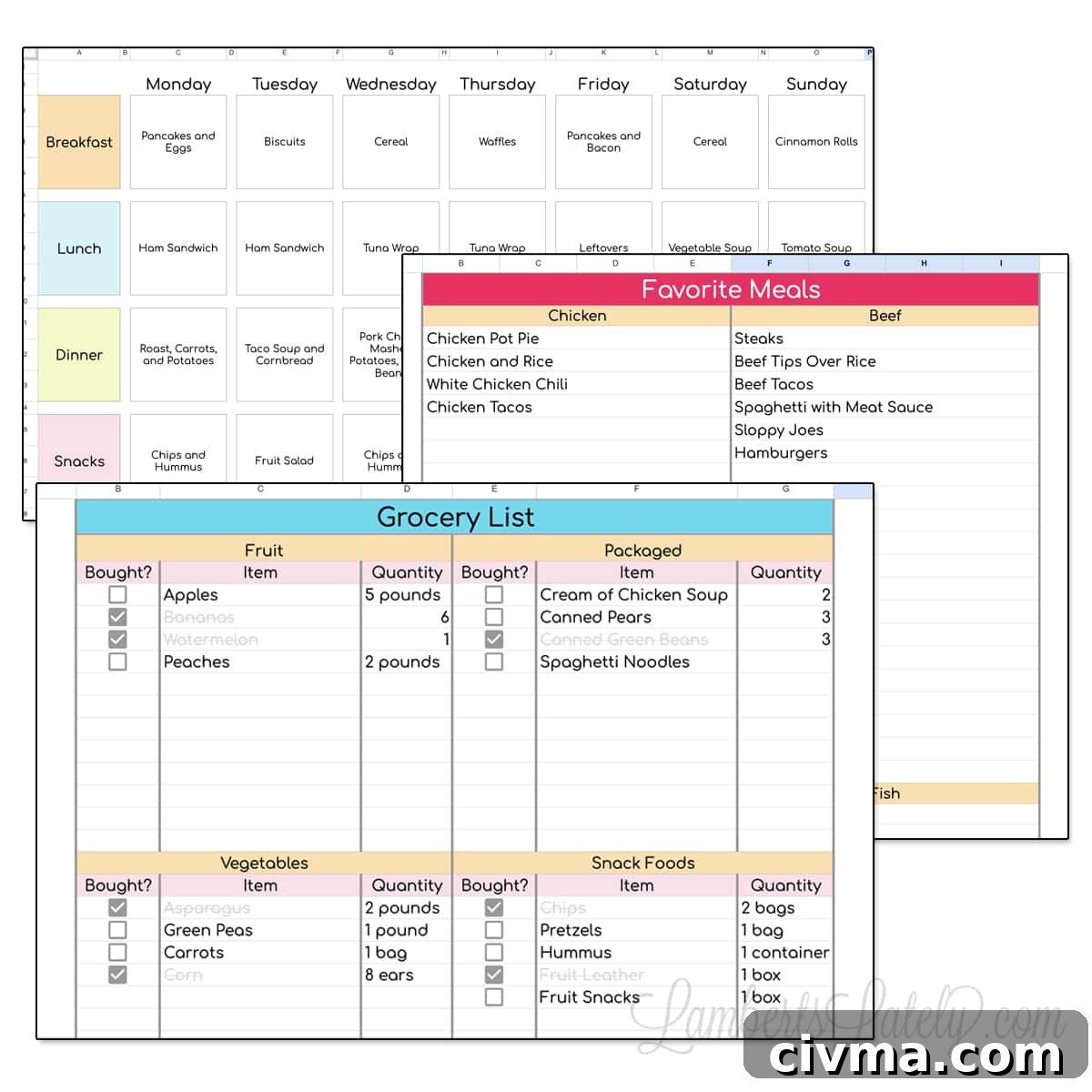
This is a three-tab Google Sheets meal planner that’s free to download and customize.
To get your copy: complete the download prompt in the original post or save a copy to your Google Drive. Once you have it, make edits, add favorite meals, and tailor the shopping list to your household’s needs. You’ll receive the download via the site’s regular download flow.
Upgrade Your Meal Planner
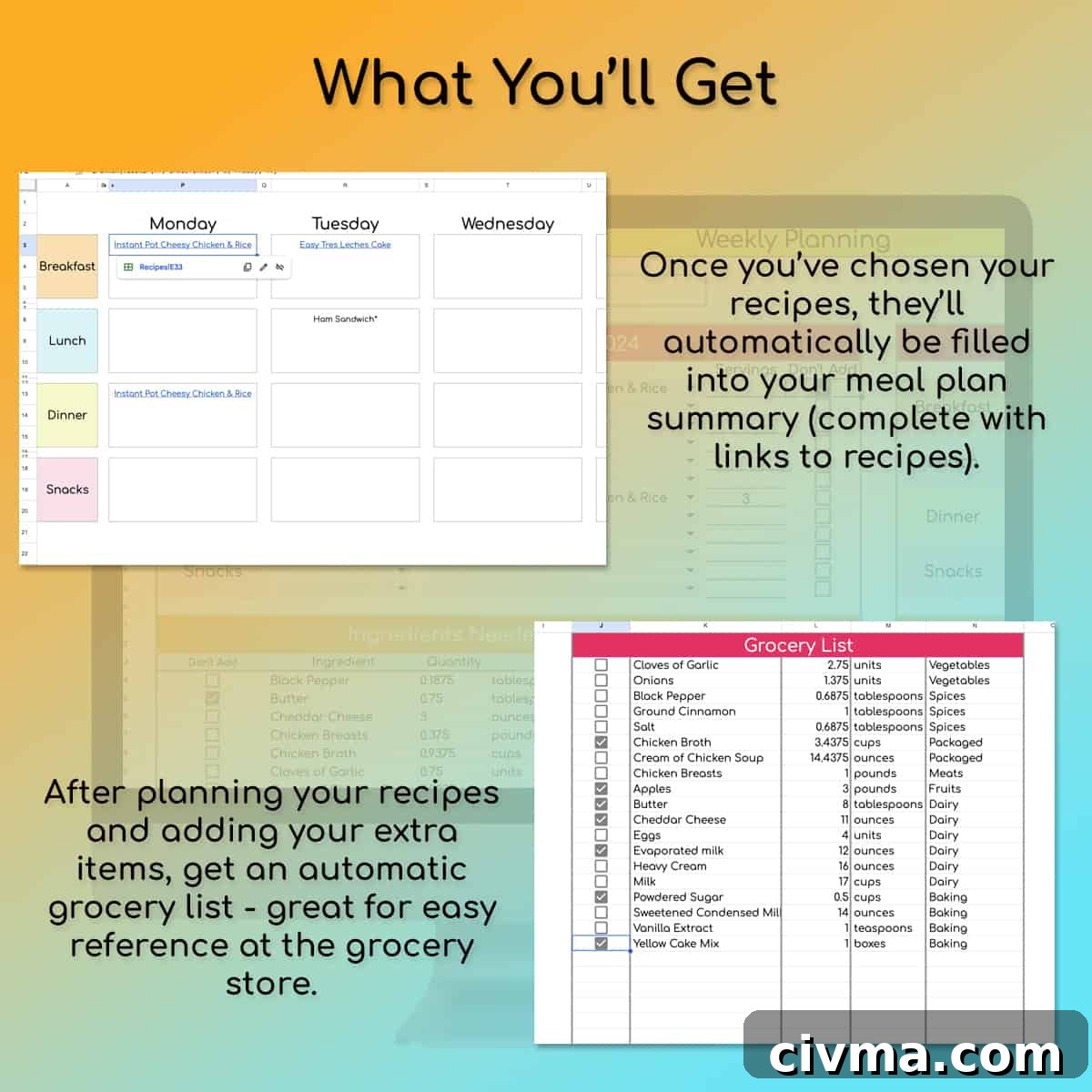
If you want more automation, consider the advanced version available in the shop. The upgraded planner supports nearly 100 recipe cards, links recipes directly from the weekly plan, and builds an automatically updating grocery list based on selected meals.
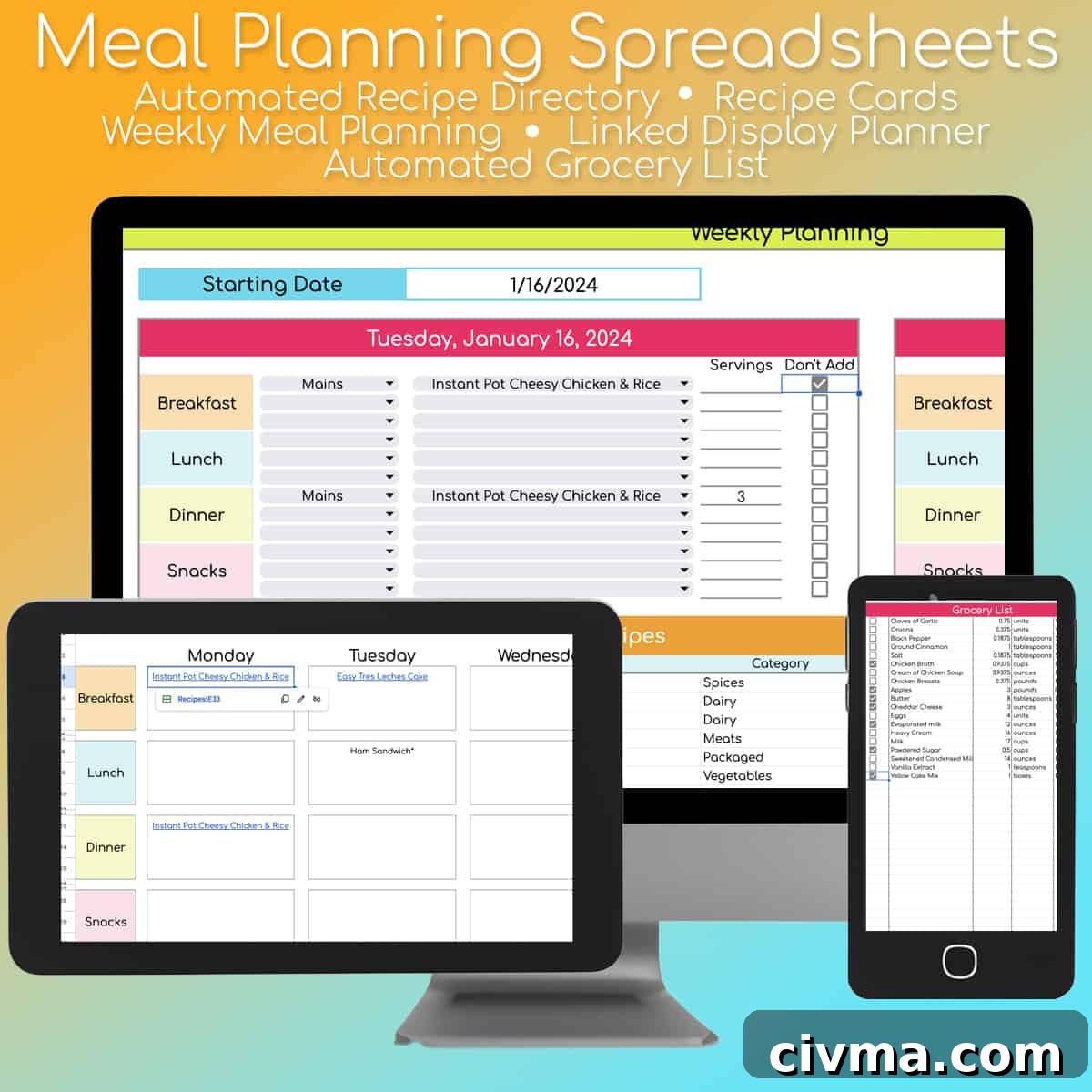
Add your recipes once, select them when you plan, and the grocery list grows automatically. That eliminates manual list-building and streamlines shopping and prep, especially helpful for larger families or consistent meal preppers.
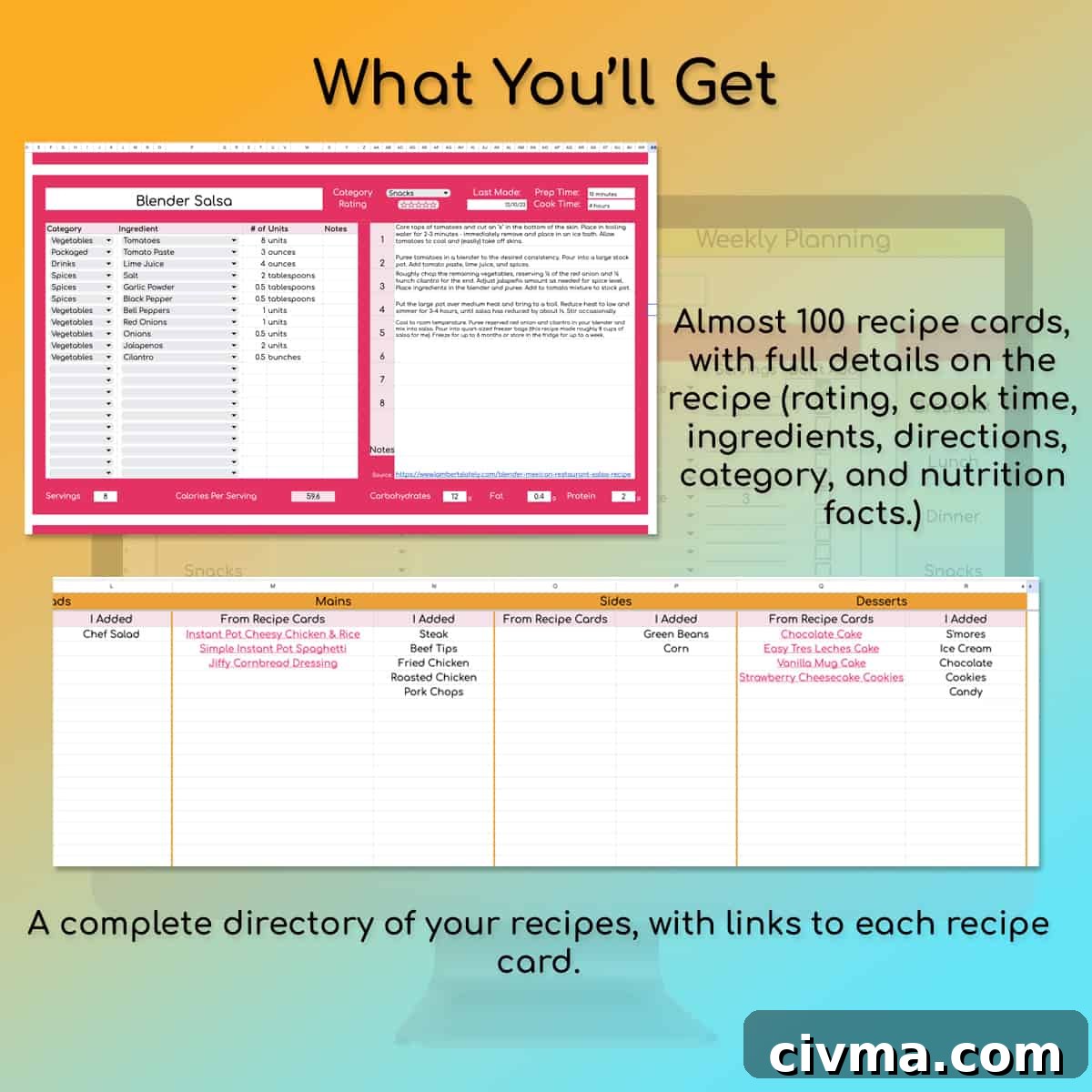
The paid version offers recipe organization, meal-to-recipe links, and an easy mobile shopping view—useful if you prefer an all-in-one digital meal planning system.
Whether you choose the free Google Sheets meal plan template or the more advanced paid version, either option helps you plan ahead, reduce food waste, and save time. Happy planning!
More Meal Planning
-
Weekly Meal Planner Templates (Free Printables!)
-
Air Fryer Meal Prep – Make 10 Easy, Tasty Freezer Meals
-
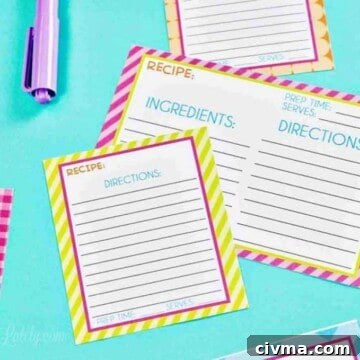
48 Free Printable Recipe Cards (Blank Editable PDF)
-
Instant Pot Freezer Meals: 33 Make-Ahead Dinners in One Day